Network Department
20B Swierkowa St.
15-328 Bialystok
email: dit@uwb.edu.pl
tel. 85 745 70 95
tel. 85 745 77 77
CONFIGURATION
eduroam configuration for staff - Android
eduroam parameters for staff — Android
| Parameter | Value |
|---|---|
| SSID | eduroam |
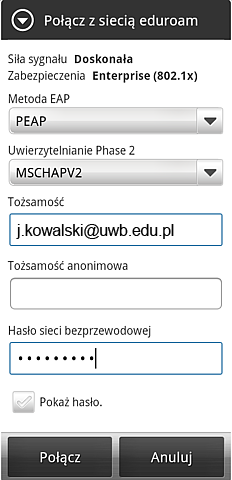
| EAP method | PEAP |
| Phase 2 authentication | MSCHAPV2 |
| CA certificate | system/default certificate if the phone requires a selection |
| Domain / server | radius.uwb.edu.pl |
| Identity / username |
full UwB e-mail address,
e.g. j.kowalski@uwb.edu.pl
|
| Anonymous identity | leave blank |
| Password | current password for your UwB staff account |
| User certificate | none |
Important:
do not enter the username without the domain.
Correct:
j.kowalski@uwb.edu.pl.
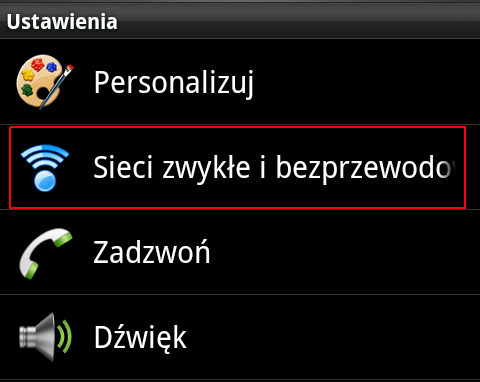
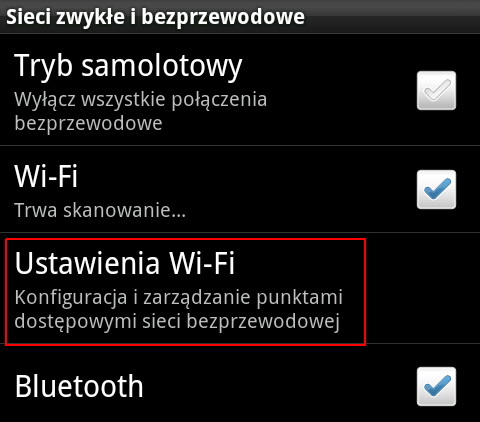
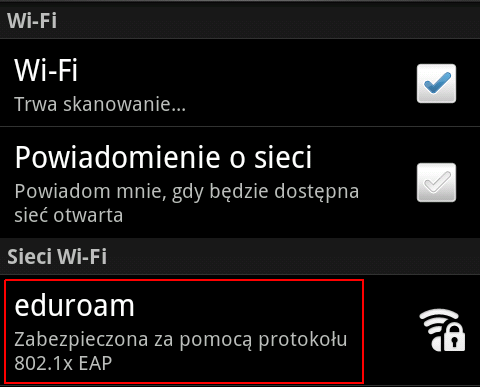
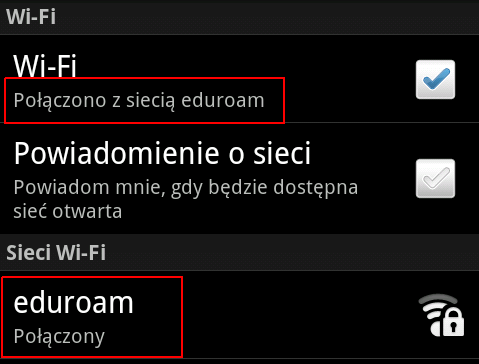
Open Wi-Fi settings and select eduroam. Configure EAP method: PEAP, Phase 2 authentication: MSCHAPV2, enter your complete UwB e-mail address as the identity and your current password.